
If you’re searching for free automation software for Windows that can record mouse buttons or automate interactions with certain windows on a website, you’re in the right place.
Whether you’re trying to delete all your postings on Meta’s Threads or perform any repetitive action…
Here’s a list of the best free automation software for Windows to help you streamline your tasks efficiently.
Top 5 Free Automation Software for Windows
1. AutoHotkey
What is it?
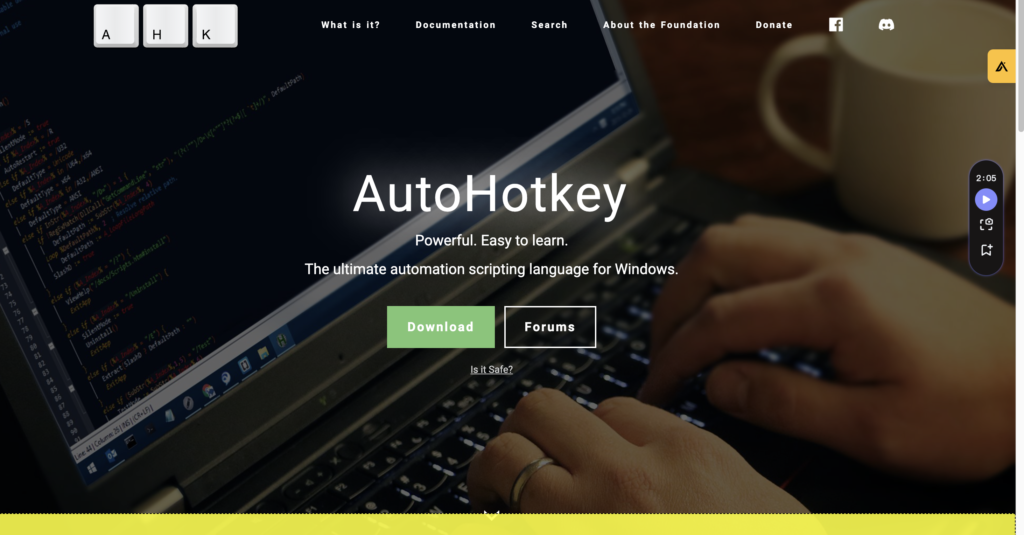
AutoHotkey is a free, open-source scripting language for Windows that can automate almost any action, including mouse movements, button clicks, and keyboard inputs.
Features:
- Script automation for mouse clicks and keyboard inputs.
- Create complex automation tasks with conditional logic.
- Extensive community support and documentation.
Pros and Cons:
- Pros: Highly customizable, powerful, free, extensive community support.
- Cons: Requires some scripting knowledge, steep learning curve for beginners.
How to Use:
To get started, download AutoHotkey from its official website.
Install the software and create a new script by right-clicking on your desktop, selecting “New,” and then “AutoHotkey Script.”
Open the script file in a text editor and write your automation script.
Here’s a simple example:
Loop, 100
{
    MouseMove, 200, 300
    Click
    Sleep, 1000
    MouseMove, 250, 350
    Click
    Sleep, 1000
}
Save the script and double-click the file to run it.
2. Macro Recorder
What is it?
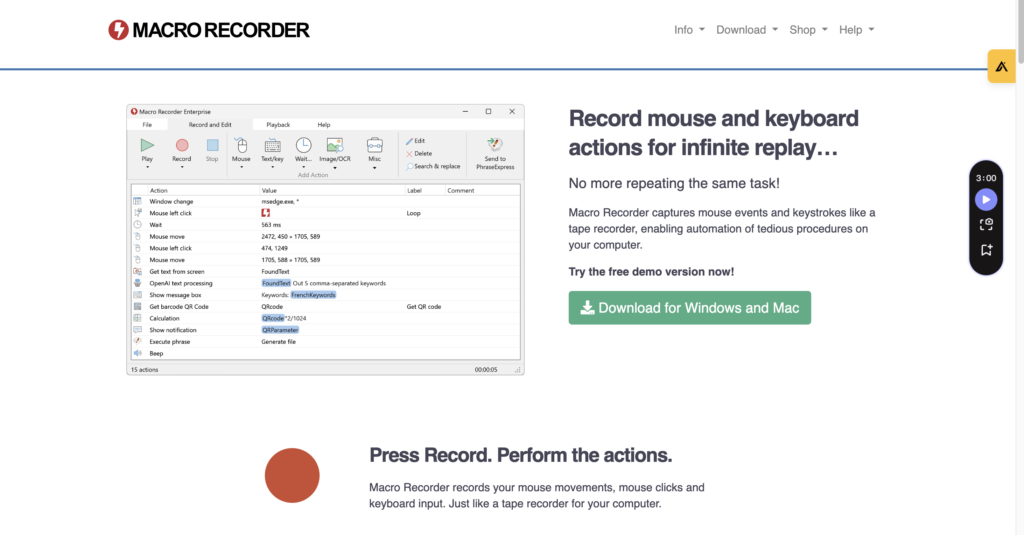
Macro Recorder is user-friendly software that records your actions and replays them automatically.
It captures mouse movements, clicks, and keyboard inputs, making it easy to automate repetitive tasks.
Features:
- Visual interface for recording and editing macros.
- No programming skills required.
- Supports playback speed adjustments and loop settings.
Pros and Cons:
- Pros: Easy to use, visual interface, no programming skills required.
- Cons: Limited advanced features in the free version, playback can be less precise for complex tasks.
How to Use:
Download and install Macro Recorder from its official website.
Open the software and click the “Record” button.
Perform the actions you want to automate (e.g., navigating to your posts and deleting them).
Click “Stop” when you’re done.
You can then replay the recording as needed by clicking “Play.”
3. UiPath Community Edition

What is it?
UiPath Community Edition is a leading robotic process automation (RPA) tool that offers advanced capabilities for automating desktop and web applications.
Features:
- Drag-and-drop workflow editor.
- AI-powered automation for complex tasks.
- Extensive library of pre-built automation templates.
Pros and Cons:
- Pros: Powerful, AI capabilities, extensive pre-built templates.
- Cons: Requires learning the UiPath platform, more complex setup.
How to Use:
Sign up for a free UiPath Community Edition account on their official website.
Download and install the software. Use the drag-and-drop interface to create automation workflows.
UiPath provides a comprehensive guide and tutorials to help you get started.
You can use its web scraping and automation features to delete your Meta’s Threads posts efficiently.
4. Jitbit Macro Recorder Free Version
What is it?
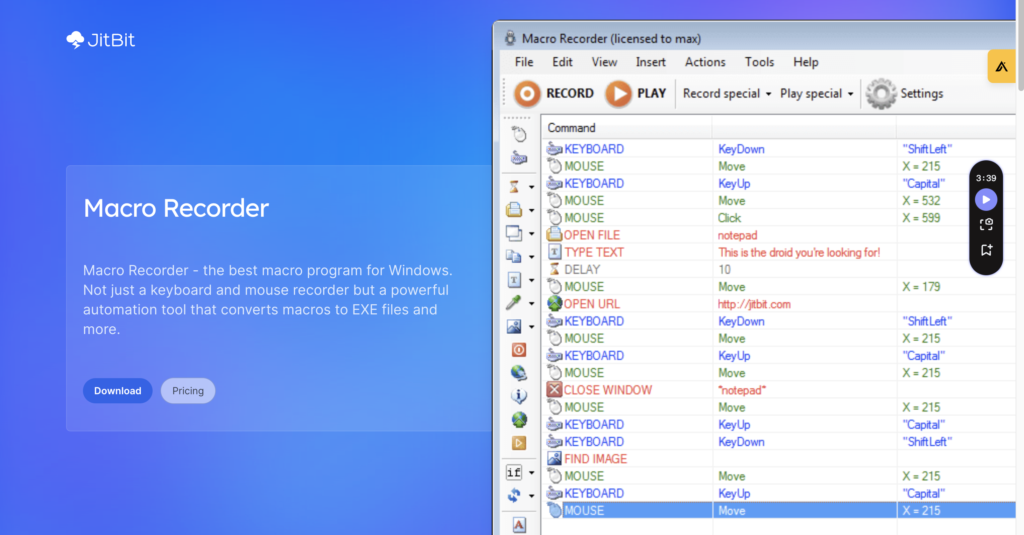
Jitbit Macro Recorder offers a free version that combines a mouse recorder, keyboard recorder, and automation software in one package.
Features:
- Record and playback mouse and keyboard actions.
- Convert macros to standalone EXE files.
- Robust editor to fine-tune your recordings.
Pros and Cons:
- Pros: Simple to use, ability to convert macros to EXE files, robust editing options.
- Cons: Limited features in the free version, less advanced compared to some other tools.
How to Use: Download and install the Jitbit Macro Recorder free version from its official website.
Open the software and click “Record” to start recording your actions. Perform the tasks you want to automate, then click “Stop.”
Save the recording and replay it as needed. You can also edit the macro to fine-tune the actions.
5. Pulover’s Macro Creator
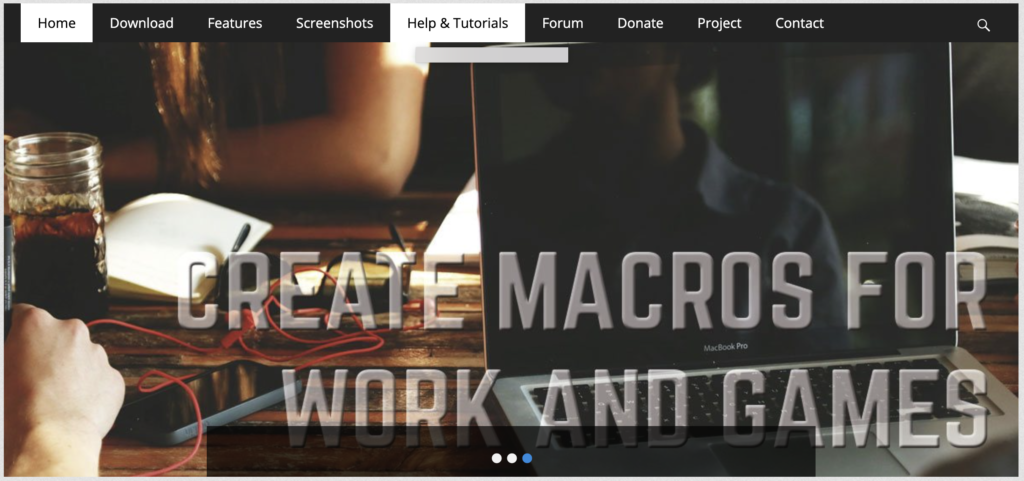
What is it?
Pulover’s Macro Creator is a powerful, free macro recording tool that offers advanced automation features.
It’s an open-source tool based on AutoHotkey.
Features:
- Record and edit mouse and keyboard actions.
- Advanced scripting options with AutoHotkey integration.
- User-friendly interface for creating complex macros.
Pros and Cons:
- Pros: Free, powerful, integrates with AutoHotkey, user-friendly interface.
- Cons: May require some learning to use advanced features, slightly outdated interface.
How to Use:
Download and install Pulover’s Macro Creator from its official website.
Open the software and click “Record” to start recording your actions.
Perform the tasks you want to automate and click “Stop” when done.
Edit the recorded actions as needed using the built-in editor.
Save and run the script to automate your tasks.
Conclusion
Choosing the right free automation software for Windows can save you countless hours of manual work.
Whether you need a simple macro recorder like Macro Recorder and Jitbit Macro Recorder…
Or a powerful scripting tool like AutoHotkey and Pulover’s Macro Creator.
These tools will help you automate repetitive tasks with ease.
For more complex requirements, UiPath Community Edition provides a robust solution.
By leveraging these free automation software options for Windows, you can efficiently manage and automate your postings on Meta’s Threads or any other repetitive actions you face.
